Minecraft 1.21.11 · Fabric
Minecraft in full bloom
Blossom is a Minecraft launcher for everyone. It installs and checks the game for you, adds mods from Modrinth in one click and dresses everything in a cherry-blossom theme — in the launcher and in game.
Screenshots
Beautiful from the first launch
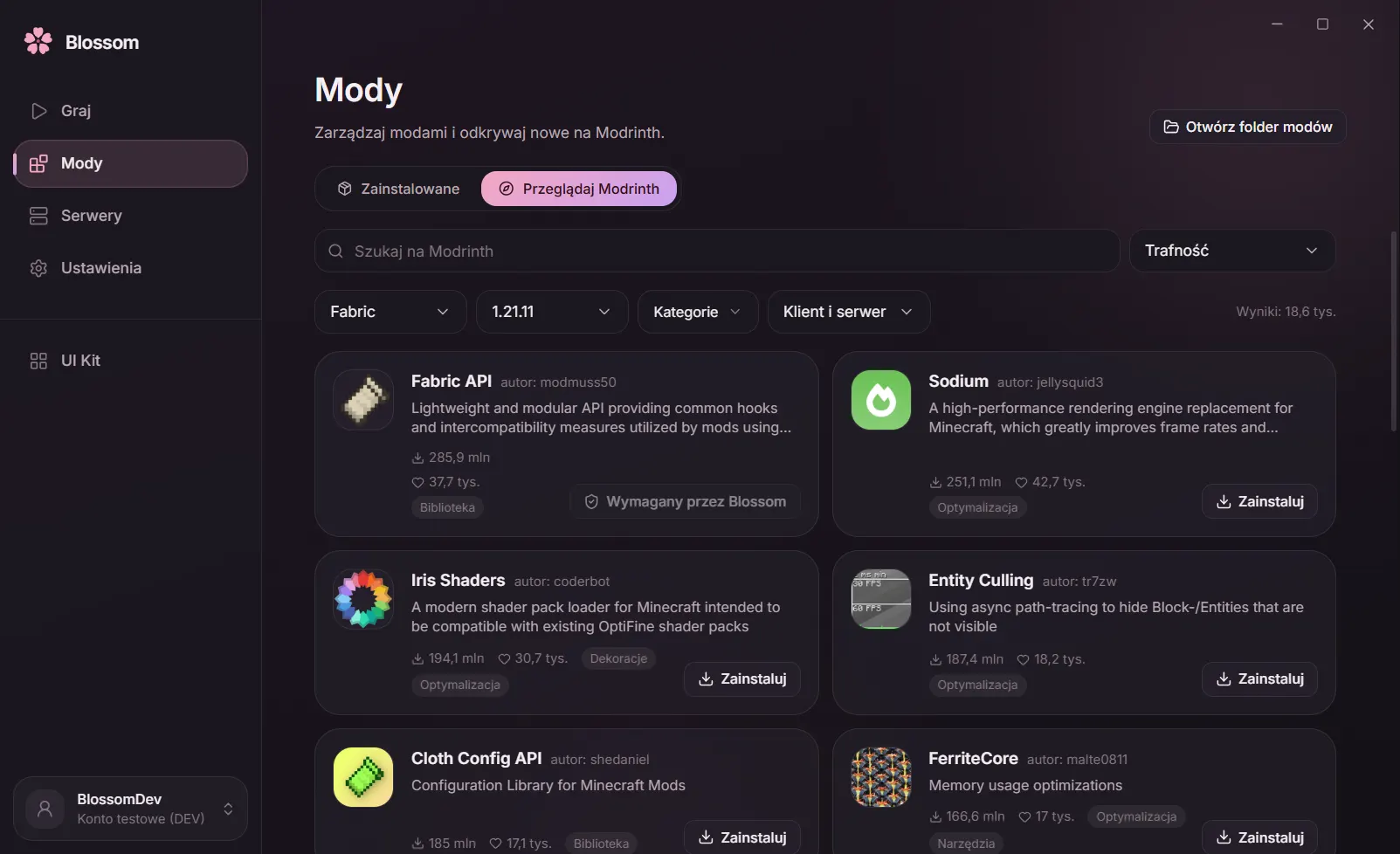
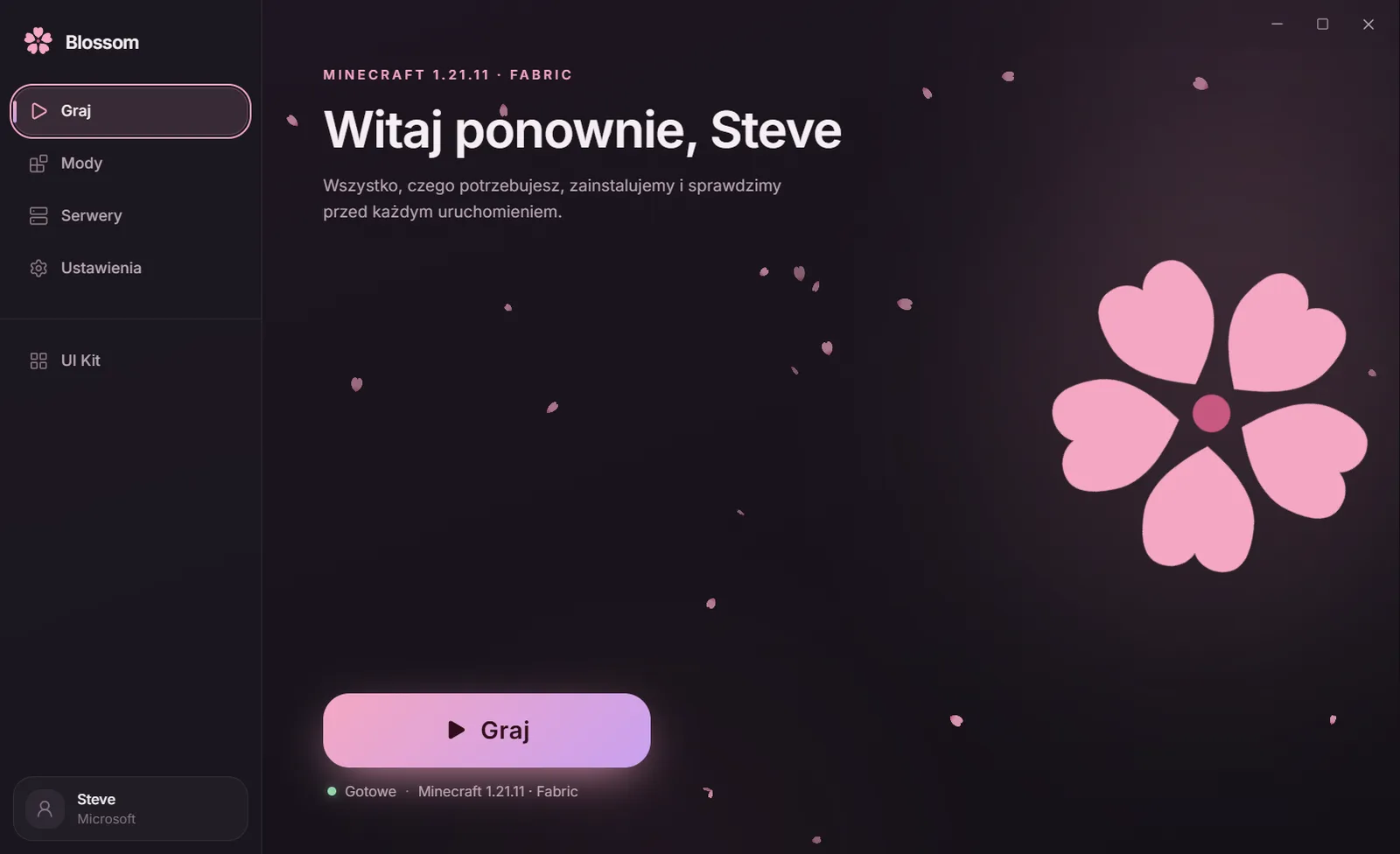
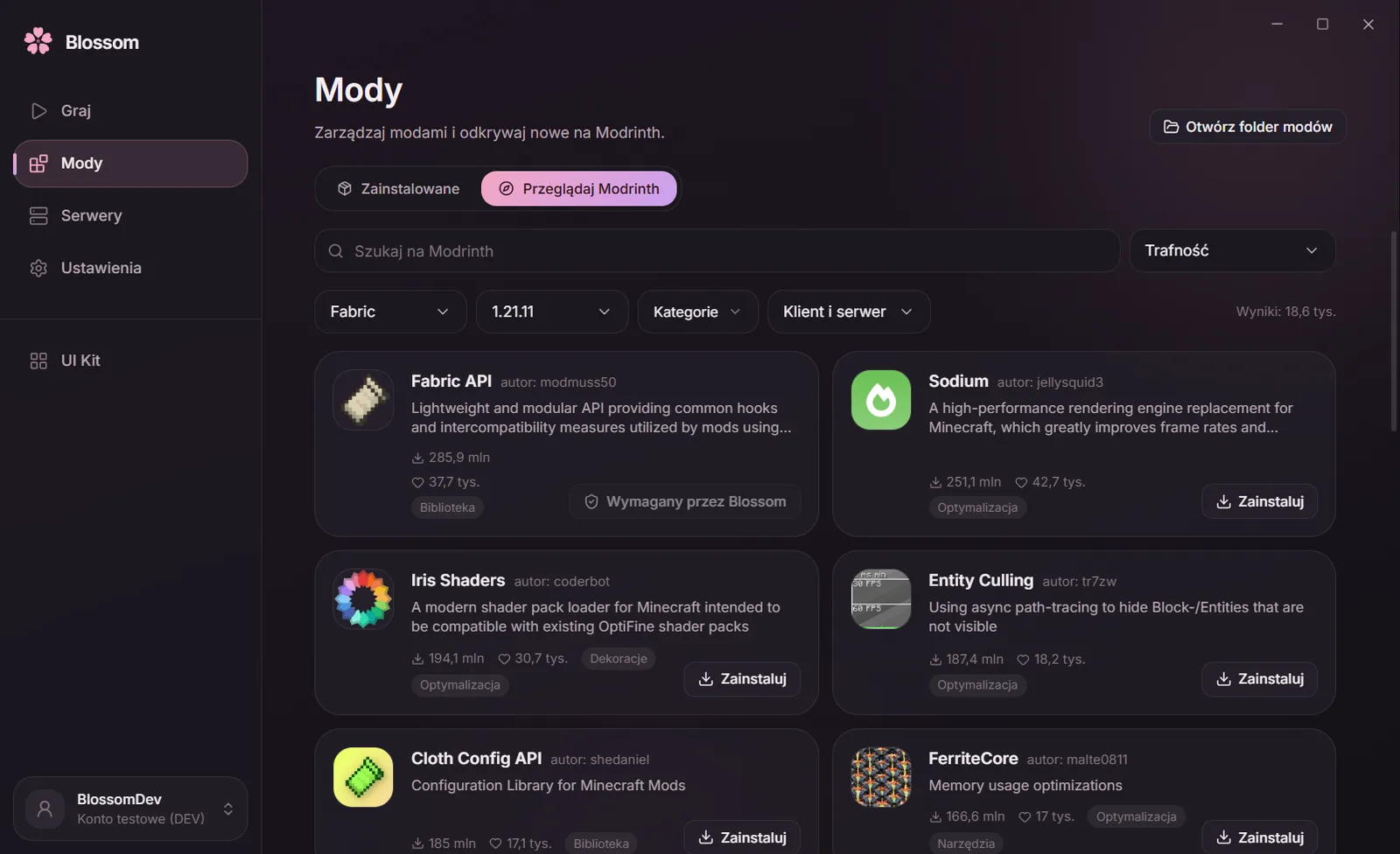
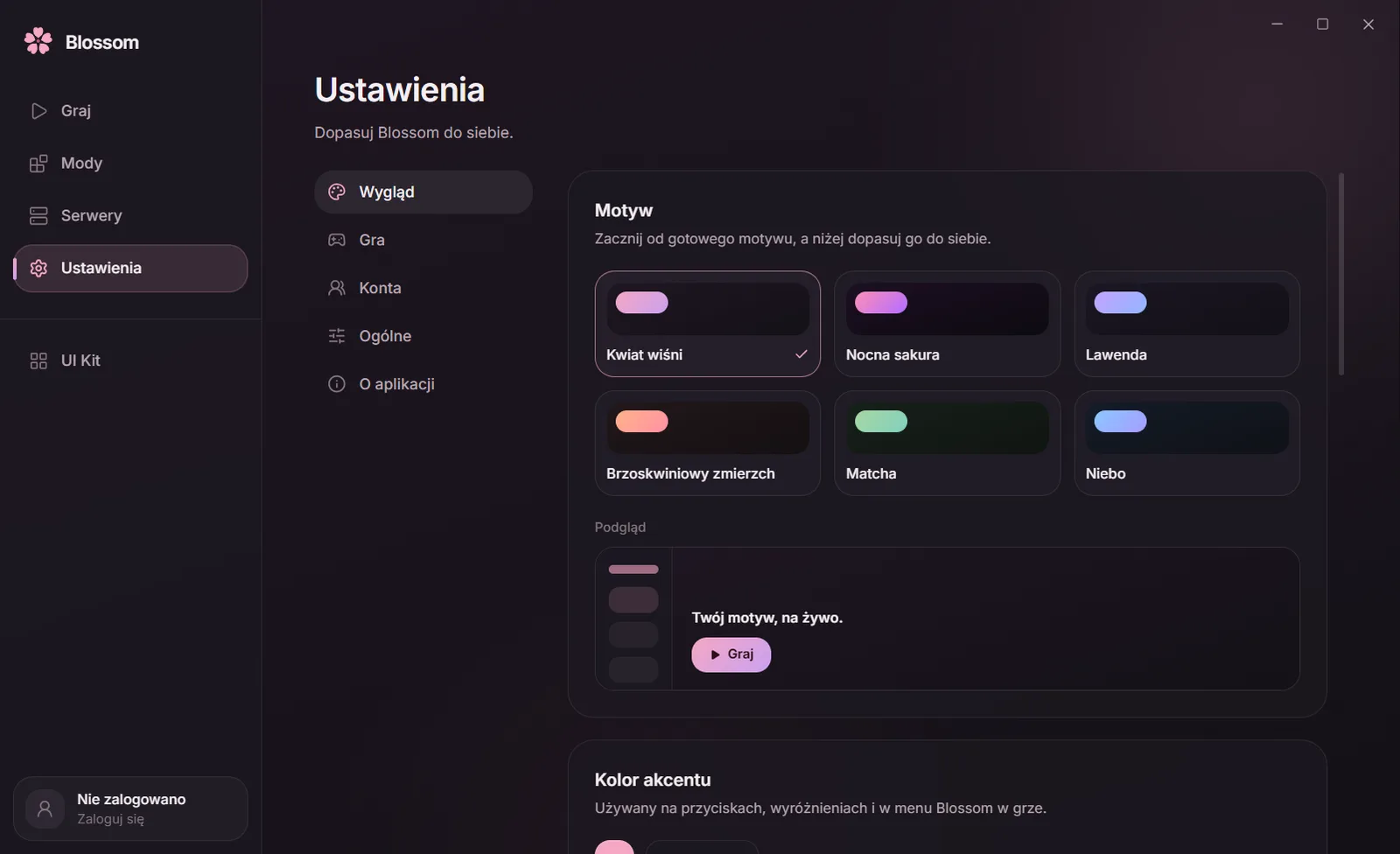
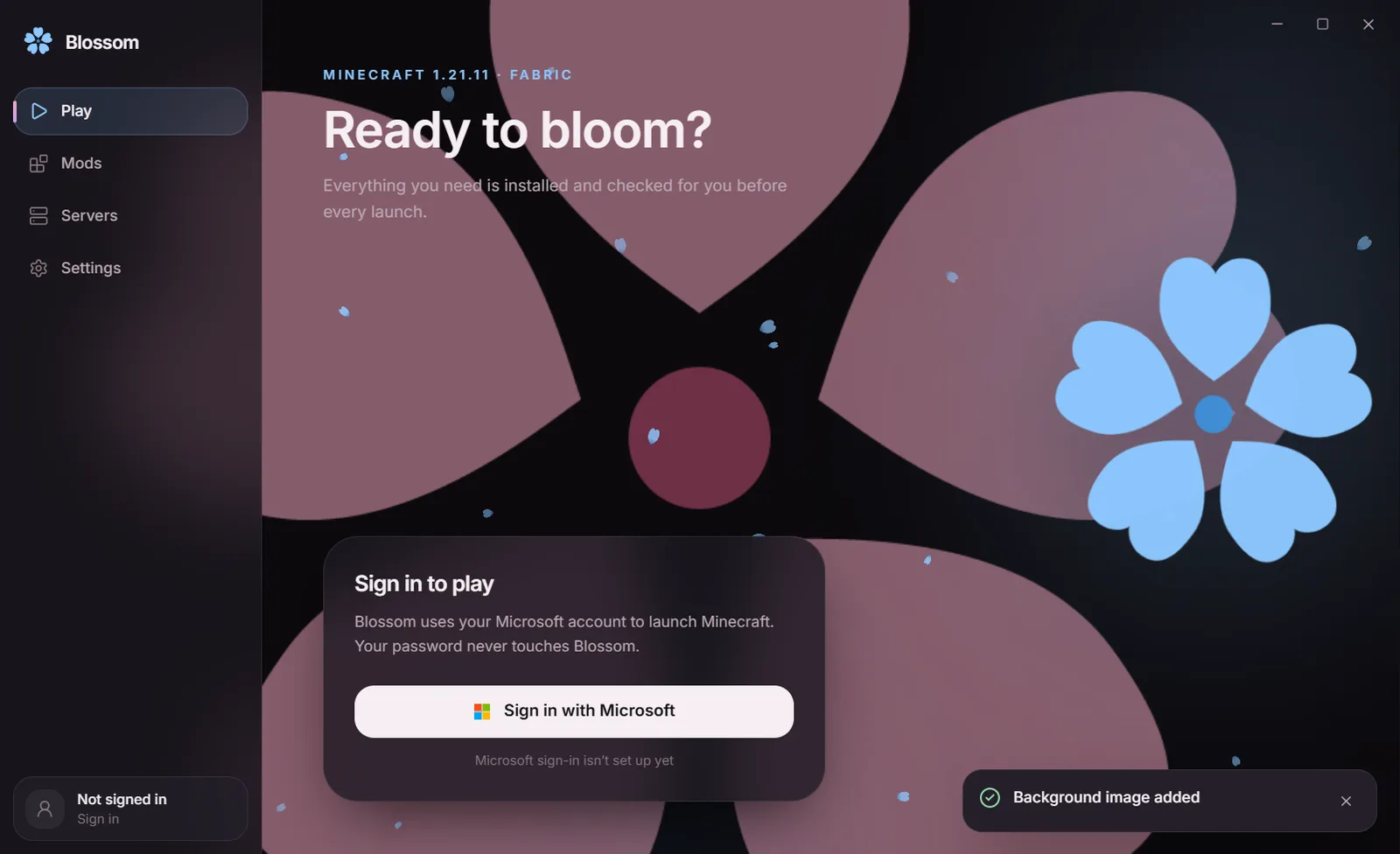
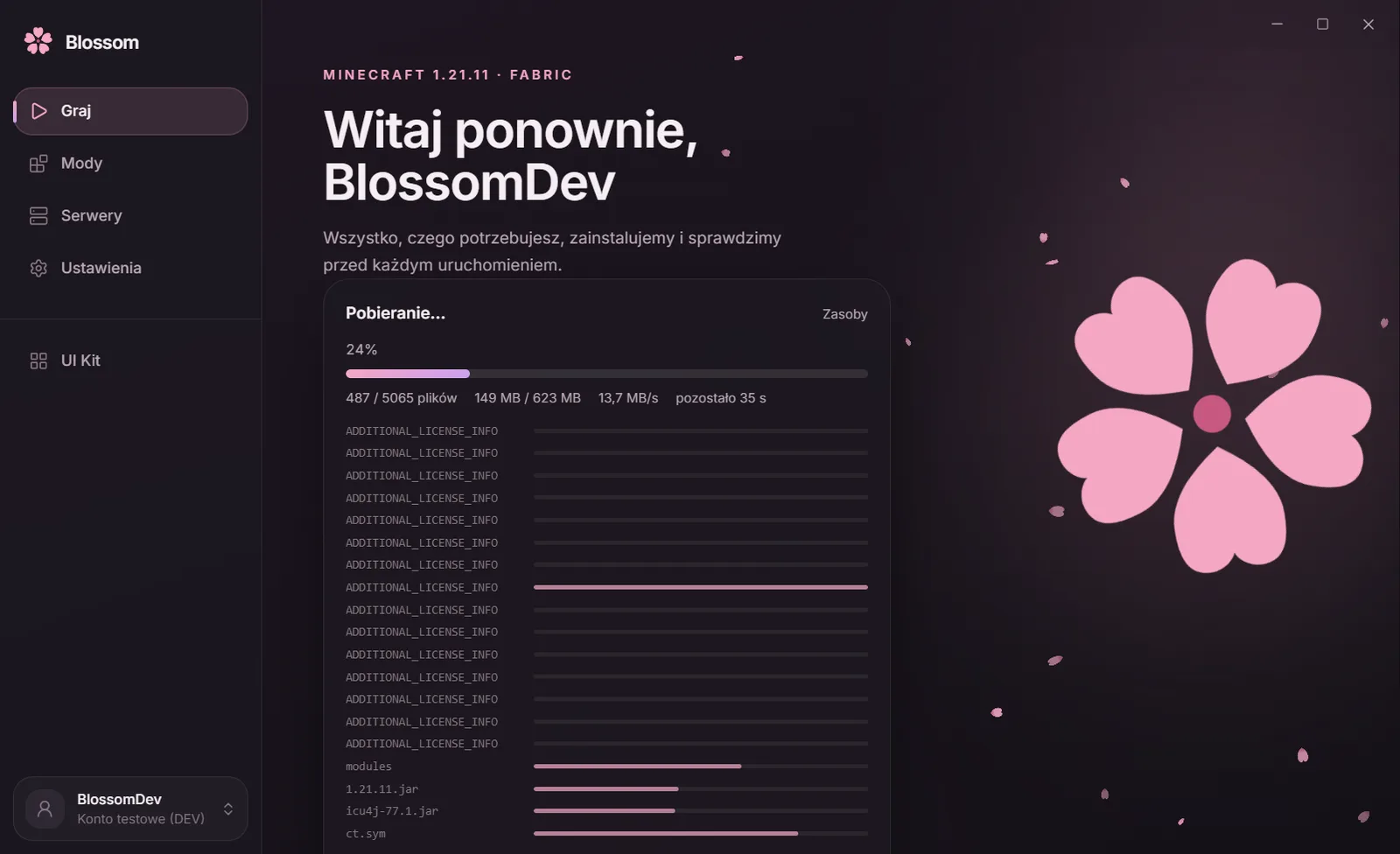
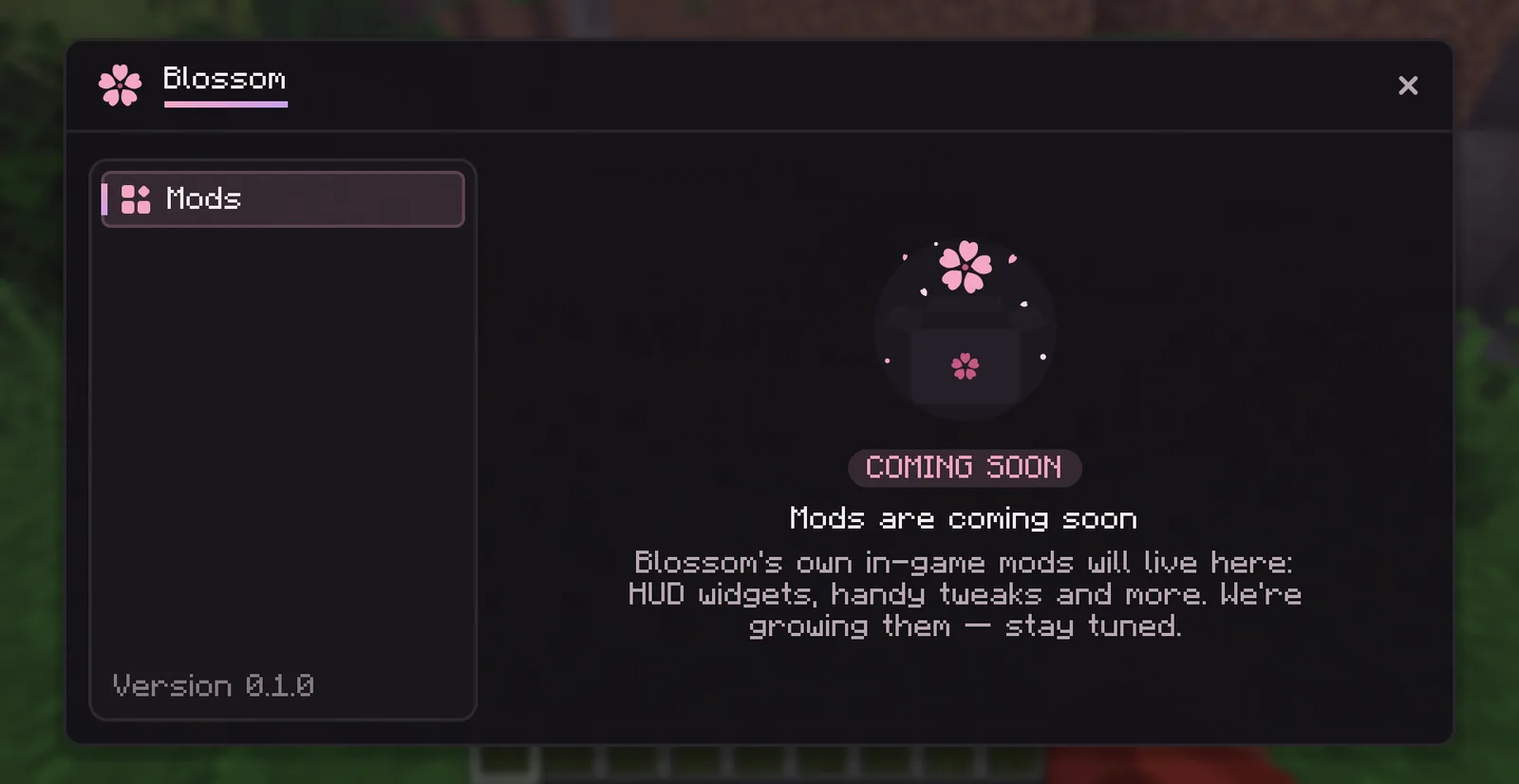
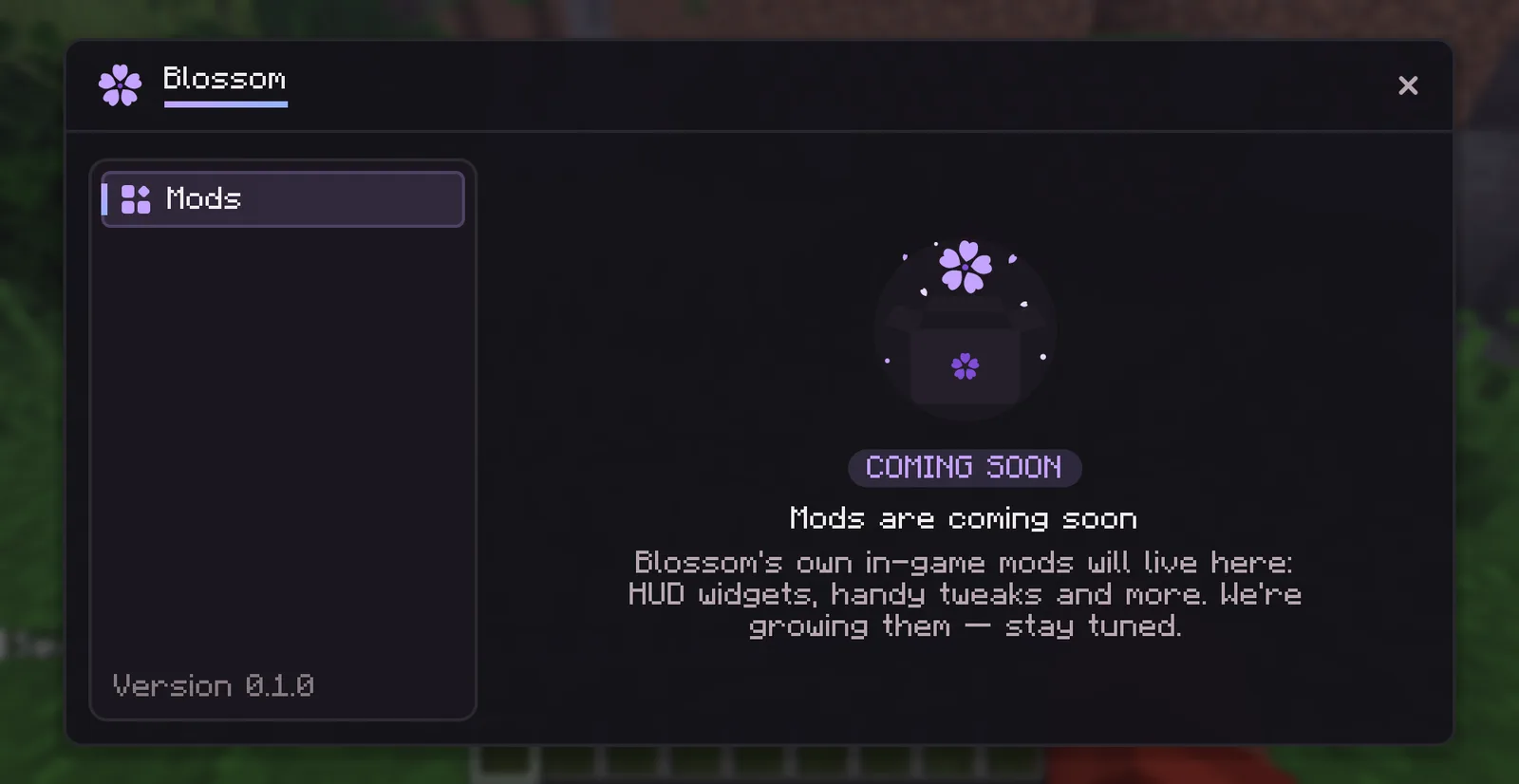
Real Blossom screens, no mock-ups. The launcher and the in-game menu share one theme, which you change in Settings.

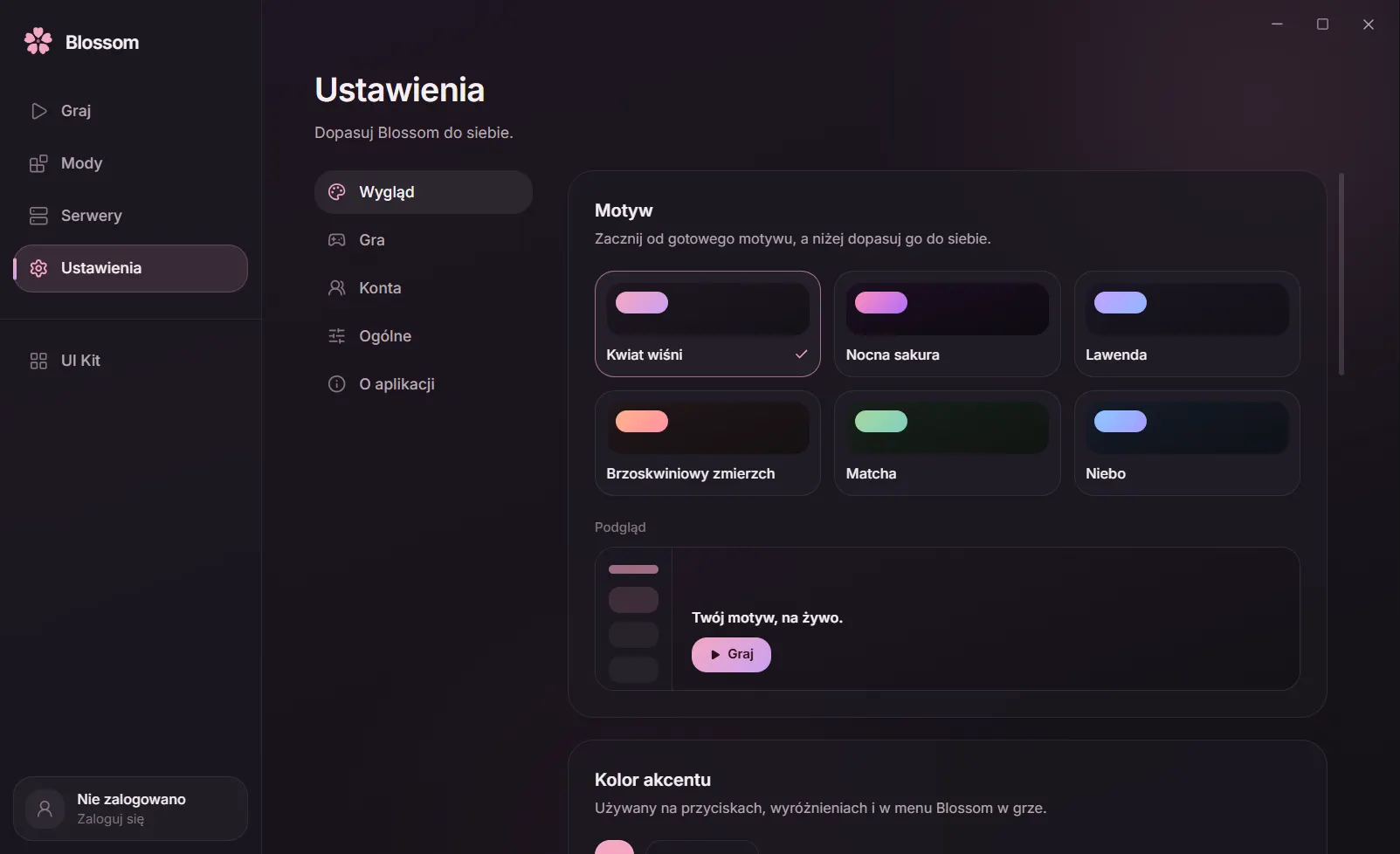
Themes 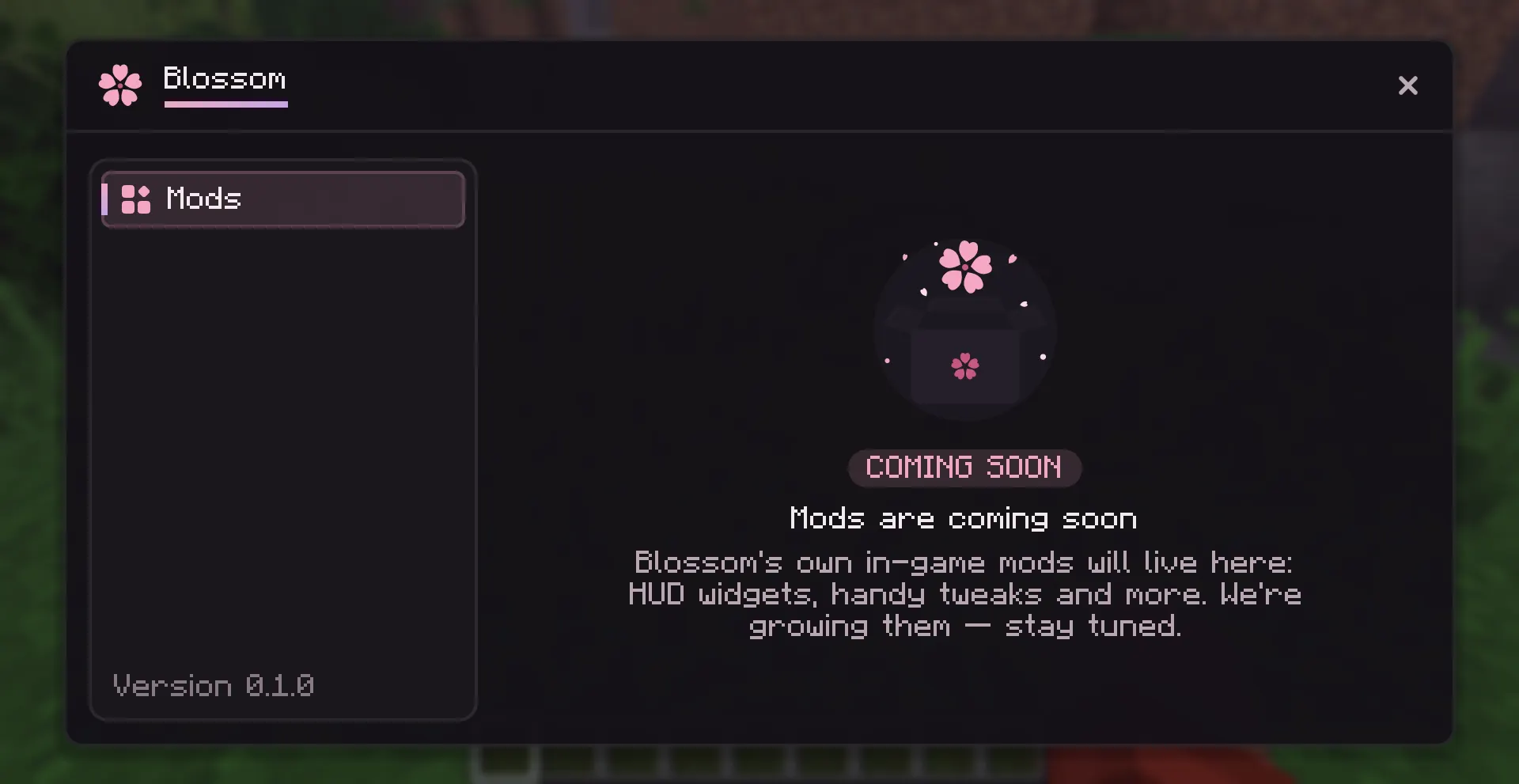
The in-game Blossom menu


Features
Everything for playing, in one place
Performance first, then everything else. Features marked “Coming soon” are being built — we switch them on here only once they really work.
- Available
More FPS
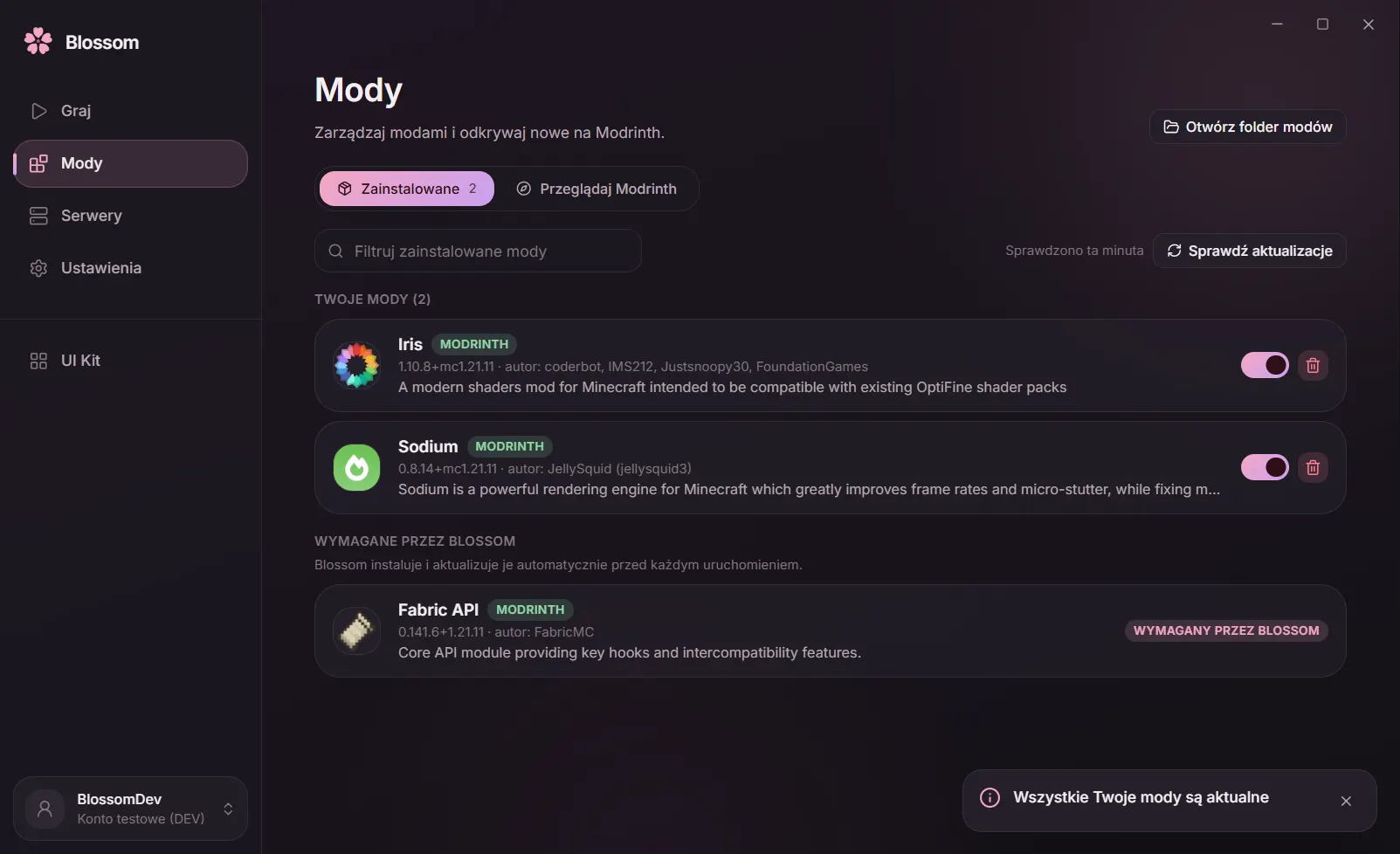
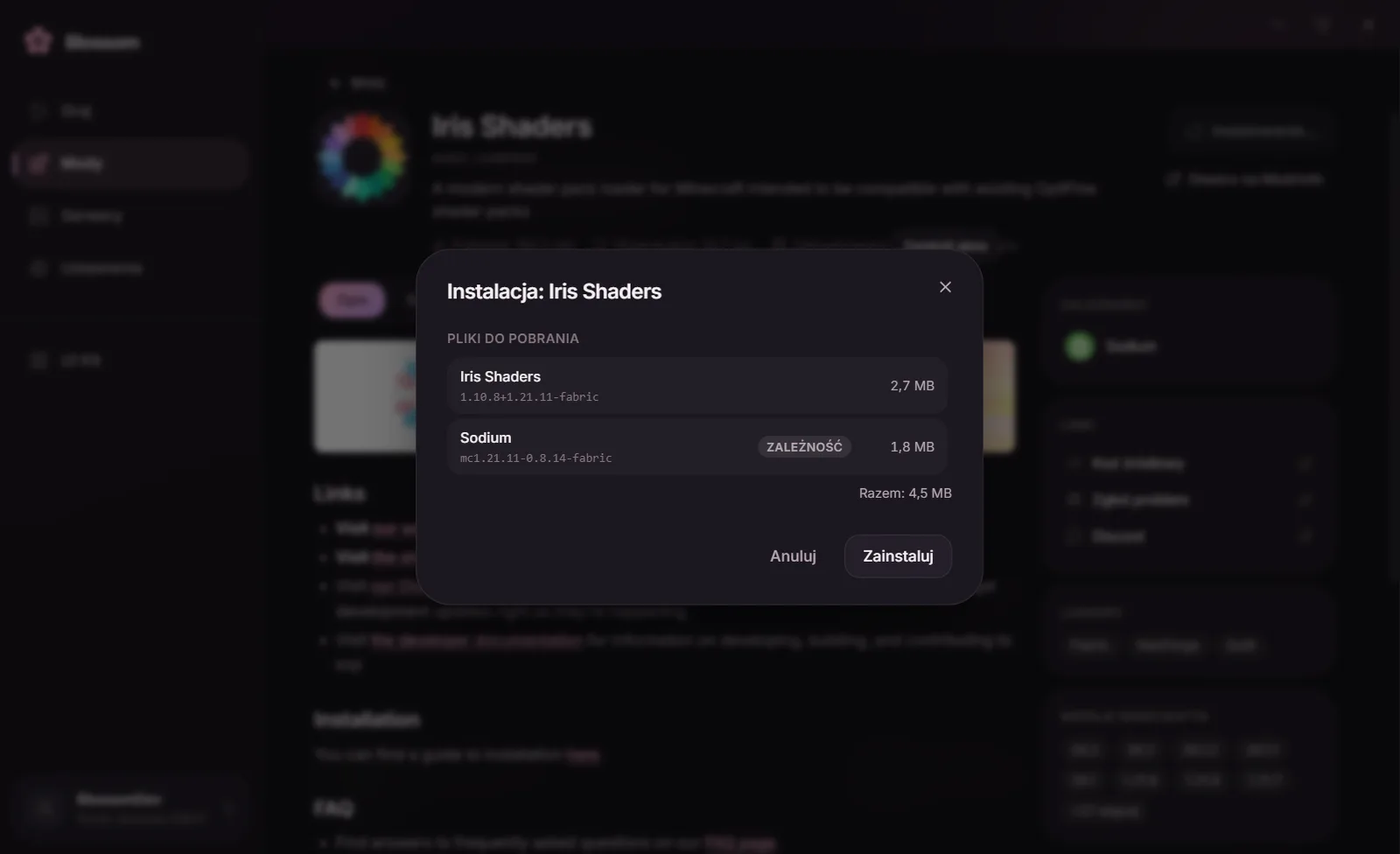
Install Sodium, Iris and other performance mods in one click, with their dependencies and checksum checks. No copying files by hand.
- Available
Fast startup
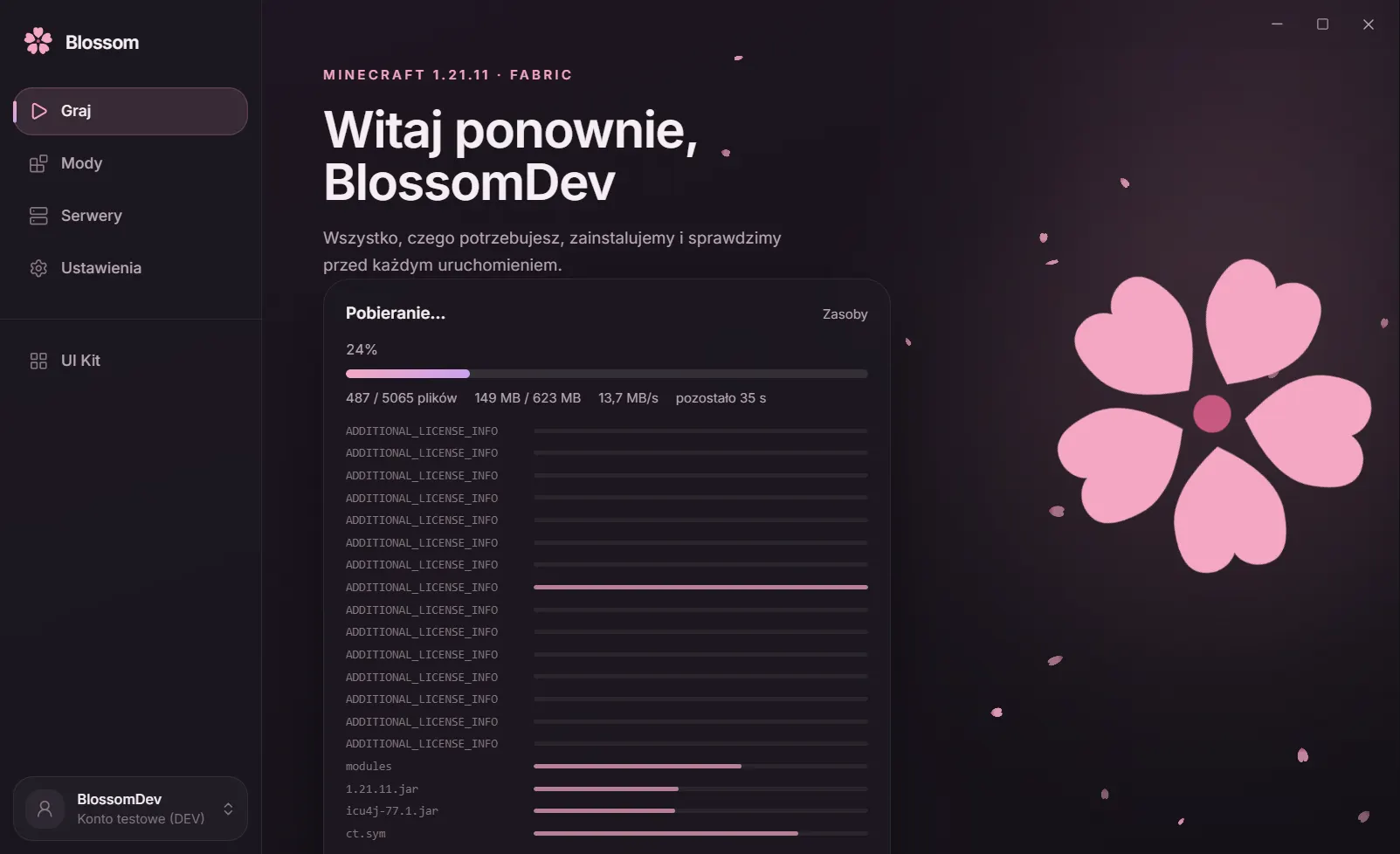
The first install downloads the game, Java and Fabric from official sources and verifies every file. After that, a fast index checks only what changed, so the game starts without the wait.
- Coming soon
Capes
Original high-resolution capes that other Blossom players can see. Free.
- Coming soon
Emotes
An emote wheel on the B key and original animations that your friends playing with Blossom will see.
- Coming soon
Wardrobe
Change your skin from a file, a player name or a built-in library, with a 3D preview — right from the game.
- Available
Mods from Modrinth
Browse thousands of mods with filters, install them with their dependencies, switch them on and off and keep them updated. Blossom makes sure they work with Fabric 1.21.11.


Performance
How many FPS do you gain?
We compare plain Fabric with Blossom on the same scene and the same hardware.
Benchmark results coming soon
We will show numbers only once they are real: a repeatable test, the same scene, and the hardware listed in a footnote. No estimates.
Download
Time to bloom
Install Blossom, sign in with your Microsoft account and press PLAY. The launcher takes care of the rest.
Requirements
- Windows 10 or 11 (64-bit)
- A Microsoft account with Minecraft: Java Edition
- An internet connection for the first install
FAQ
Frequently asked questions
Is Blossom free?
Yes, Blossom is free. All you need is your own Minecraft: Java Edition account. Blossom's code, artwork, capes and emotes are protected by copyright (all rights reserved).
Is my Microsoft account safe?
You sign in on Microsoft's page in your own browser, so Blossom never sees your password. Tokens are encrypted by Windows and never end up in logs or on the game's command line.
Which Minecraft version does Blossom support?
Minecraft: Java Edition 1.21.11 with Fabric. Blossom downloads the game, Java and Fabric from official sources and checks every file.
Can I add my own mods?
Yes. The Mods tab searches Modrinth, installs required dependencies and warns about incompatibilities. You can also drop your own .jar files into the mods folder.
Does Blossom collect my data?
No. Blossom has no analytics, no telemetry and no crash uploads. The optional presence feature (the flower next to your name) stores your UUID, when you were last seen and a profile with the ids of your chosen cape and emotes on the Blossom server. The profile is deleted 180 days after your last sign-in, and you can turn presence off in Settings.
When are capes, emotes and the wardrobe coming?
They are being built. This page marks them “Coming soon”, and we switch them on only once they really work.
Is this an official Minecraft product?
No. Blossom is a fan project, not affiliated with Mojang or Microsoft. You play on your own, purchased Minecraft account.
Which systems does Blossom run on?
Windows 10 and 11, 64-bit.